Start here
Map and navigation
Markers, road routes and the minimap.
Low risk20Your markers
45 mA base's ring
Step by step
 1
Open the map
M opens it. The wheel zooms, dragging moves it. M
 2
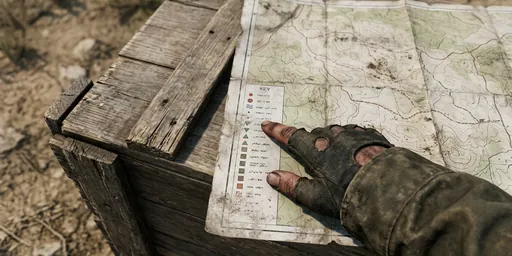
Read the legend
The bottom row is the legend. Click an entry to show it alone.
 3
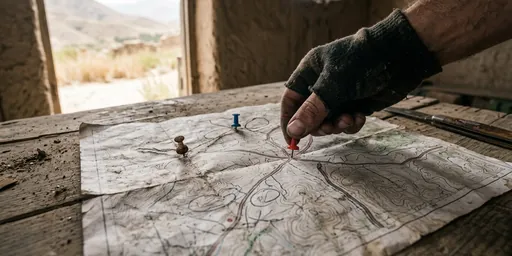
Set a marker
Double-click the map. You keep up to 20 of your own.
 4
Navigate
Navigate draws the way along the roads. The minimap follows it.
 5
Stop the route
The chip at the top right shows the route. Its X stops it.
 6
Share with your group
Share a saved marker, or press T to mark a spot at once. T
 7
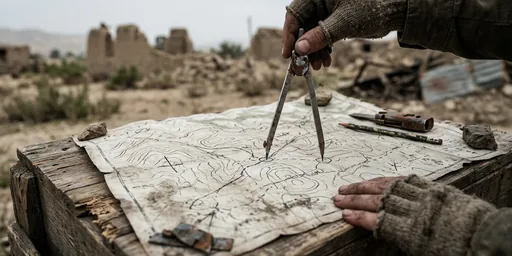
Measure
Hold Shift and drag across the map to measure a distance. Shift
 8
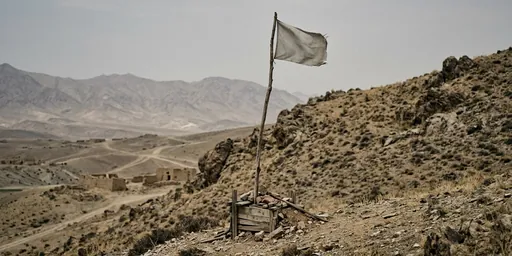
Find your base
Your flag pole shows on the map with its 45 m ring.
Good to know
- Show on map buttons in this guide pan the map and can start a route.
Related guides
The same guide is in the game: press M and open the Guide tab.